
Identify your hardware
Which kit and which router you have, what the renamed products are called now, and how the Mini and Standard 4 X compare.
Overview
Starlink has renamed its kits at least twice, so the name on the box, the name in the app and the name people use in forums are often three different things. Work out which hardware you actually have before you follow any other page.
The naming change
Starlink simplified the Standard kit names:
| Old name | Current name |
|---|---|
| Starlink Standard Kit | Standard 4 X |
| Starlink Standard with the Router Mini | Standard 4 |
Standard 4 is the same hardware most people still call “Gen 3 Starlink.” If a forum post says Gen 3, it means Standard 4.
Which kit do I have?
These are the kits covered by these guides.
Standard 4 X
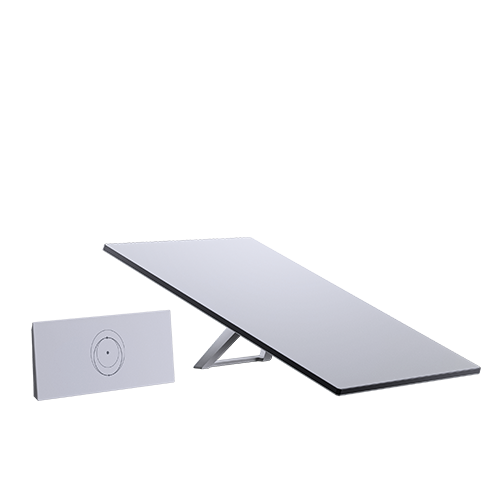
Rectangular dish, no motor, kickstand mount. Ships with a Router 3.
Standard 4
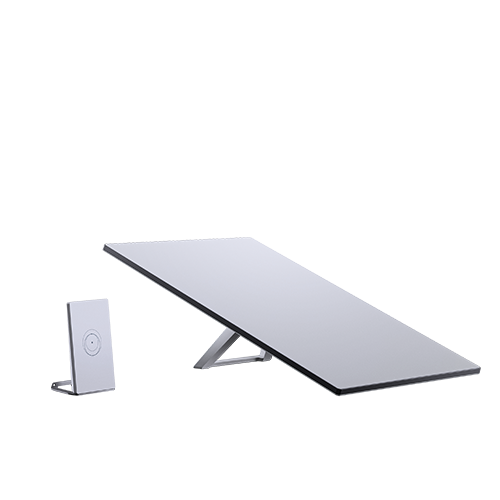
The same rectangular dish, shipped with a Router Mini instead.
Starlink Mini
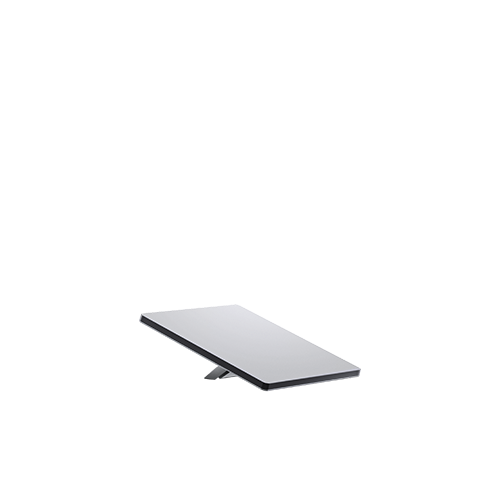
Smaller rectangular unit, no motor, kickstand, WiFi router built into the dish.
Mini X
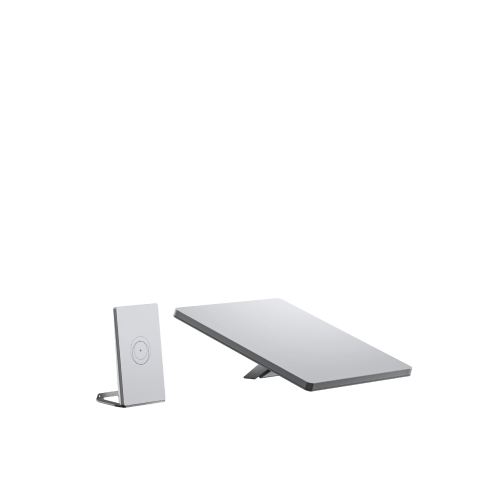
A Starlink Mini packaged with a Router Mini. Sold in Argentina and Germany at the moment, with more markets planned.
Anything with a built-in motor that levels itself, anything circular, and anything labelled Performance, Enterprise or V5 is a different generation and is out of scope here.
Which router do I have?
| Router | How to recognise it |
|---|---|
| Router 3 | Wide, lies horizontally. Light on the front corner. Multiple ethernet ports on the back |
| Router Mini | Compact flat rectangle with a built-in kickstand. Light on the front corner, one ethernet port on the back |
| Gen 2 | Stands tall with a glass front, light at the bottom. Older generation |
| Gen 1 | Prism-like, dual-tone, single ethernet port on the back. Older generation |
Starlink Mini or Standard 4 X?
Both are electronically steered phased-array antennas. Neither moves, and neither needs adjusting again once it is aligned and unobstructed.
| Starlink Mini | Standard 4 X | |
|---|---|---|
| Best for | Basic use, portability | High-demand daily use, streaming, calls, gaming |
| WiFi coverage | Up to 112 m² (1,200 ft²) | Up to 297 m² (3,200 ft²) |
| Router | Built into the dish | Separate Router 3 |
| Dish size | Smaller | Slightly larger surface area |
| Mount | Kickstand, plus a pipe adapter and flat mount for poles 31 to 50 mm | Kickstand |
| Cable | 15.2 m (50 ft) | 15.2 m (50 ft) |
| Power supply | Separate unit | Separate unit |
| Weather | Suited to portable and fixed use | Built to take extreme weather |
Both kickstands fold away for storage and can be drilled into a flat surface for a permanent install. Longer cables are sold per kit in the Starlink shop.
What comes in the kit
Every kit contains the dish, a power supply, cables and a base. A WiFi router is included with the Standard 4 and Standard 4 X. The Starlink Mini does not include a separate router because its router is built in.
For the exact contents of your kit, see the per-kit setup page:
Full specifications
Starlink publishes per-model hardware specifications at starlink.com/specifications. Pick your model there for dimensions, weight, speeds and environmental limits.