
Help
Reach the guides, Telegram support, GitHub bug reports and the panel's AI assistant.
Overview
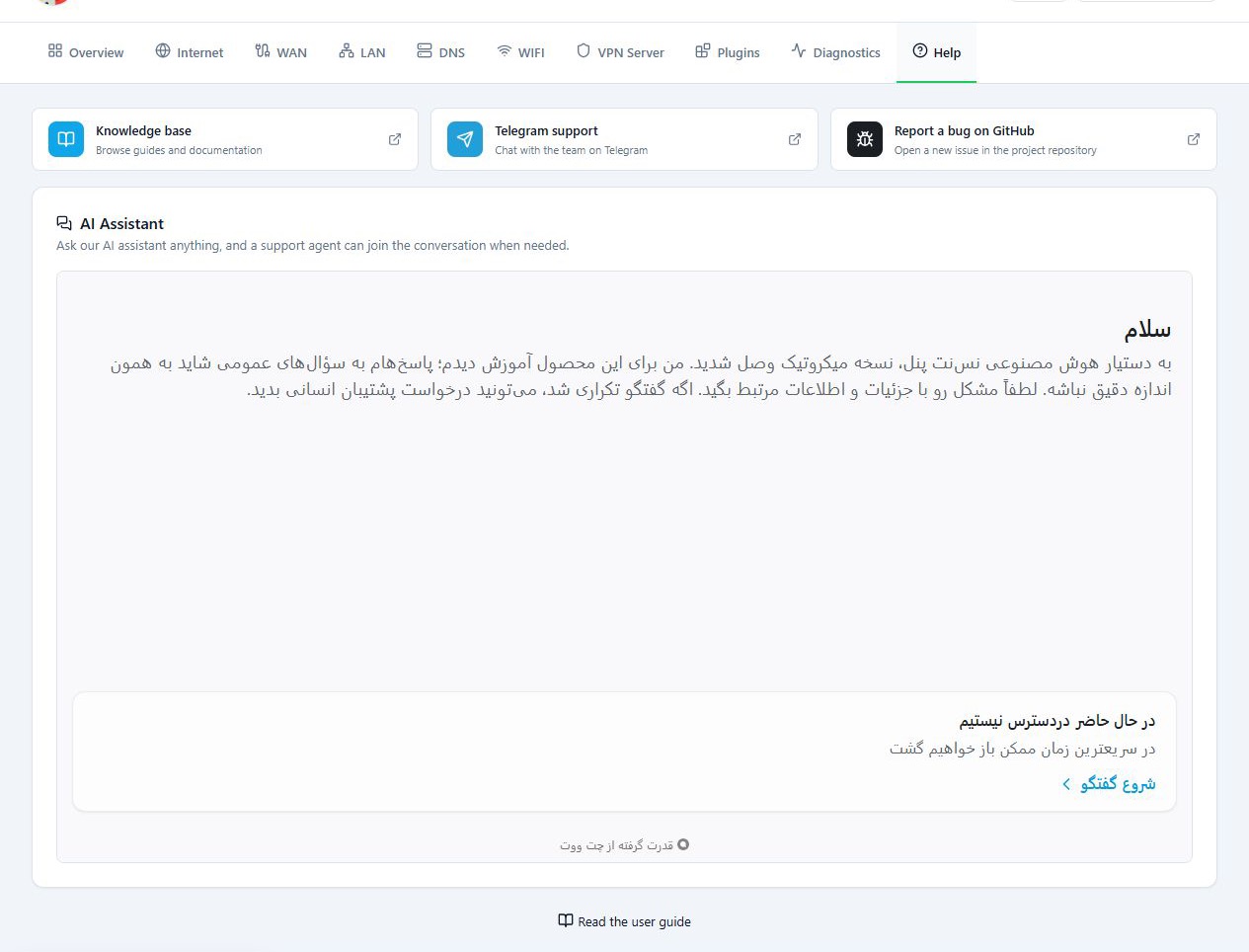
The Help tab gives you the learning resources, the ways to get help, and the support assistant. It has two parts: a set of support links, and an AI Assistant chat. The assistant answers questions about the panel, and when you need it, you can ask for a human support agent to look at the problem.
The Talk to support button on the Diagnostics page also brings you to this tab.
Before you start
- If the problem is with the router itself, first build a report from Diagnostics.
- The support links open external sites in a new tab.
Steps
- Open the Help tab.
- Start with the Knowledge base. The guides answer many common problems.
- If you do not find the answer, type your question in the AI Assistant.
- If needed, ask for a human support agent to review it. How fast you get an answer depends on support availability.
For a faster review, describe the problem with:
- The router model, and the RouterOS and panel versions.
- The error text.
- The steps you have taken.
- The Diagnostics report.
If you send a screenshot, remove passwords, VPN keys and other private details from it first.
Reference
| Option | What it does |
|---|---|
| Knowledge base | Opens the NasNet guides and documentation. |
| Telegram support | Takes you to the support group linked in the panel. |
| Report a bug on GitHub | For reporting a reproducible bug in the project. |
| AI Assistant | For asking questions about the panel and asking for a human agent. |
Troubleshooting
The chat does not open. The assistant is an external service, and a browser or network that blocks it leaves the chat empty. Use the Telegram or GitHub links on the same page instead.